Praise the Lord, everyone! I hope you’re all doing well and staying blessed.
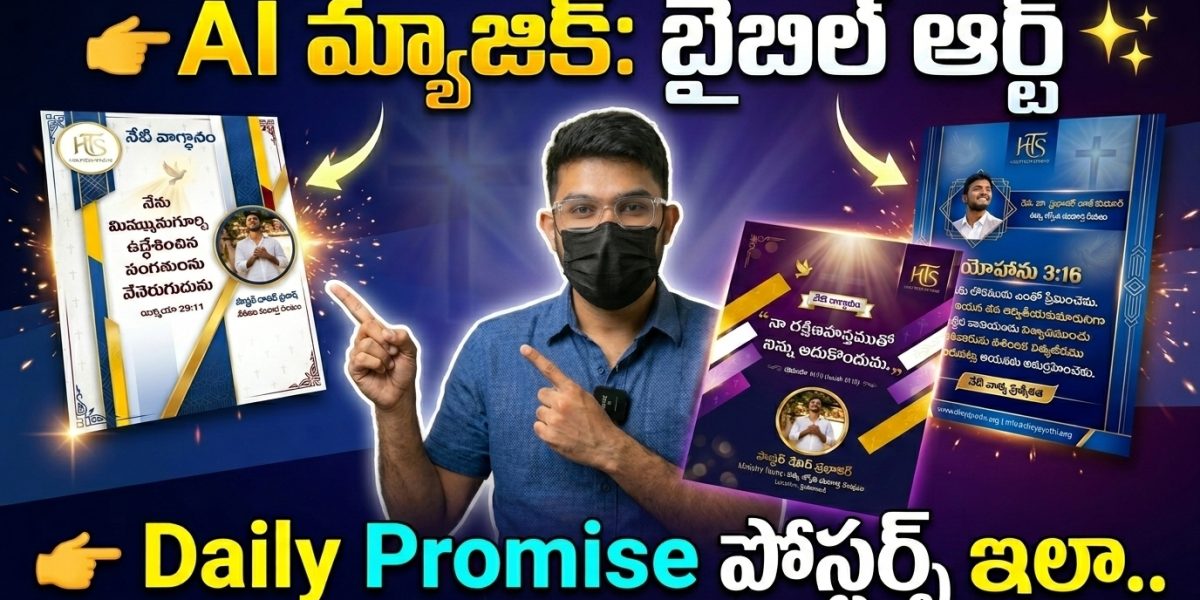
If you spend even a few minutes scrolling through Instagram or Facebook these days, you’ll see plenty of Bible verses and daily promises being shared. It’s a beautiful way to spread the Word, but let’s be honest—in a world full of high-end digital content, a blurry image or a basic text-over-photo doesn’t always grab the attention it deserves. When you have a professional-level, cinematic image, the impact is just different. It makes people stop scrolling and actually reflect on the scripture.
I’ve been experimenting with some new designs lately, and the results are honestly mind-blowing. They look like they were made by a professional graphic design agency, but the secret is actually much simpler (and faster). Today, I’m going to walk you through exactly how I create these high-quality Telugu and English Bible verse posters using AI.
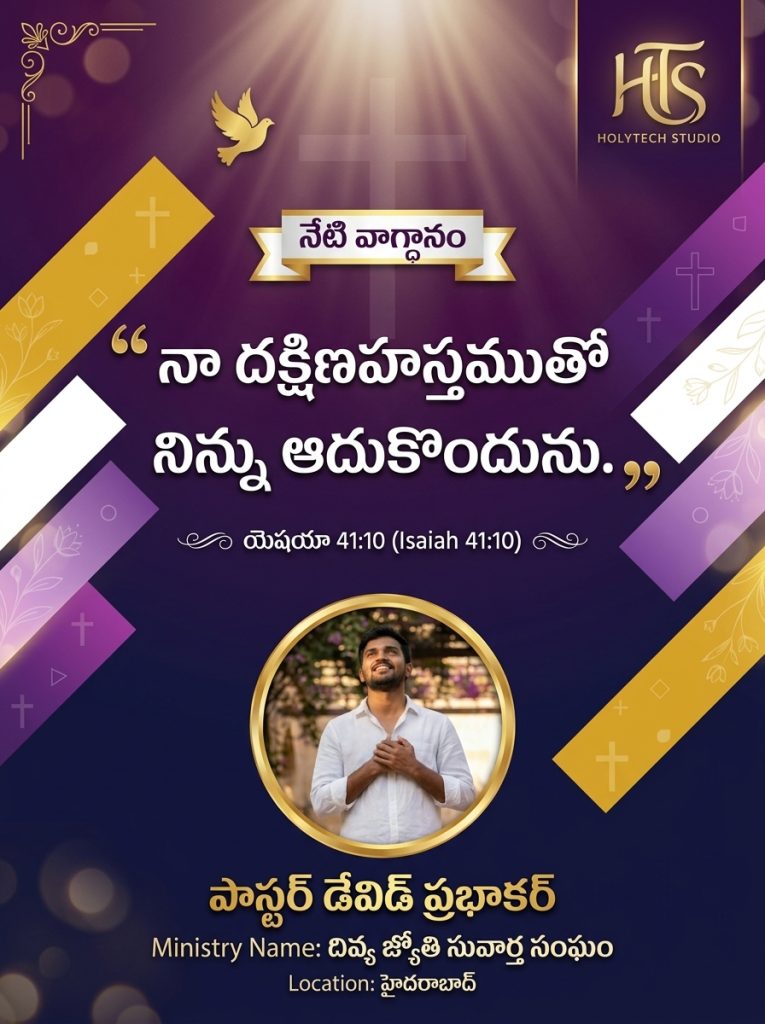
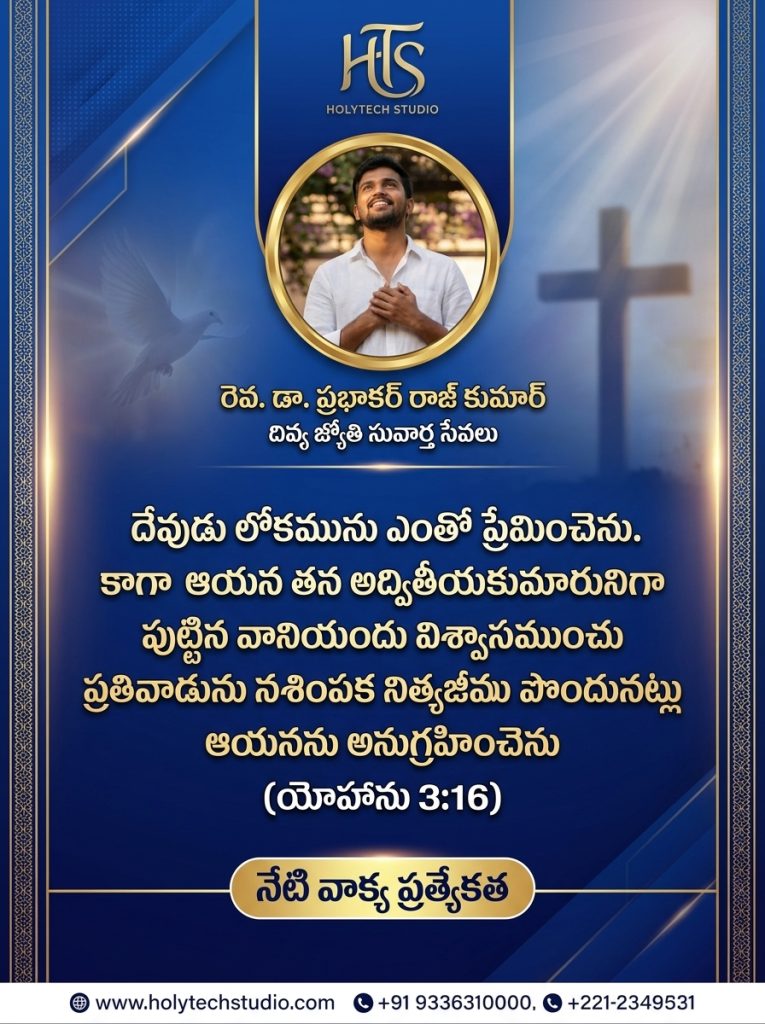
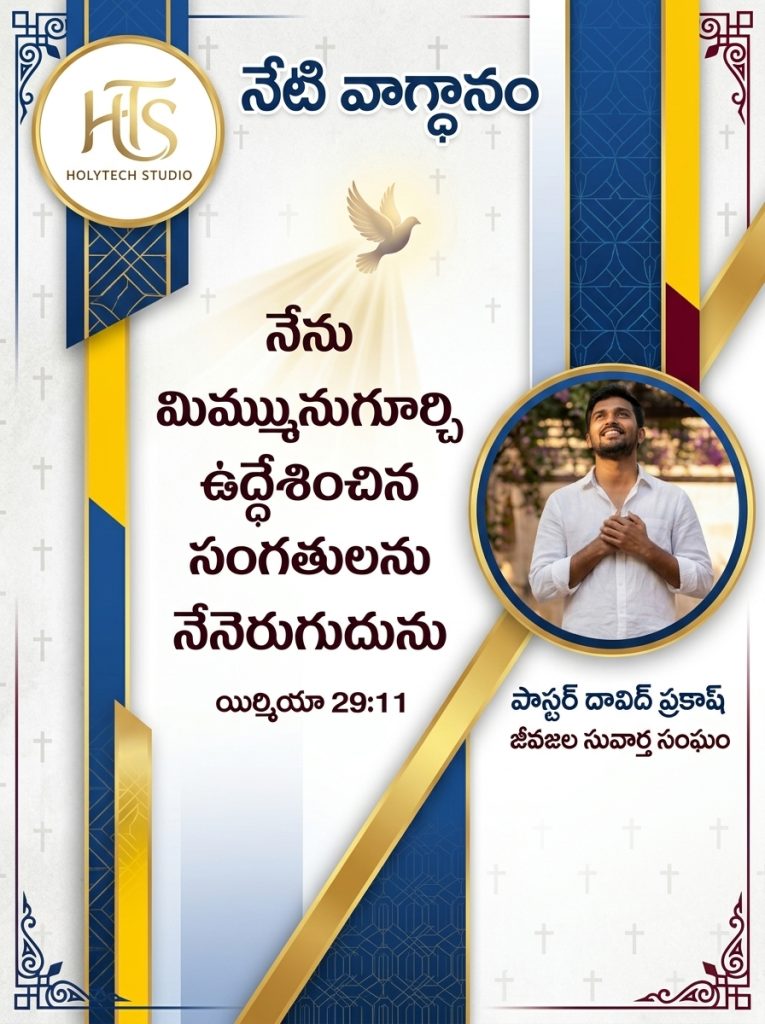
Watch Full Video On Youtube
Getting Started with FlowAI
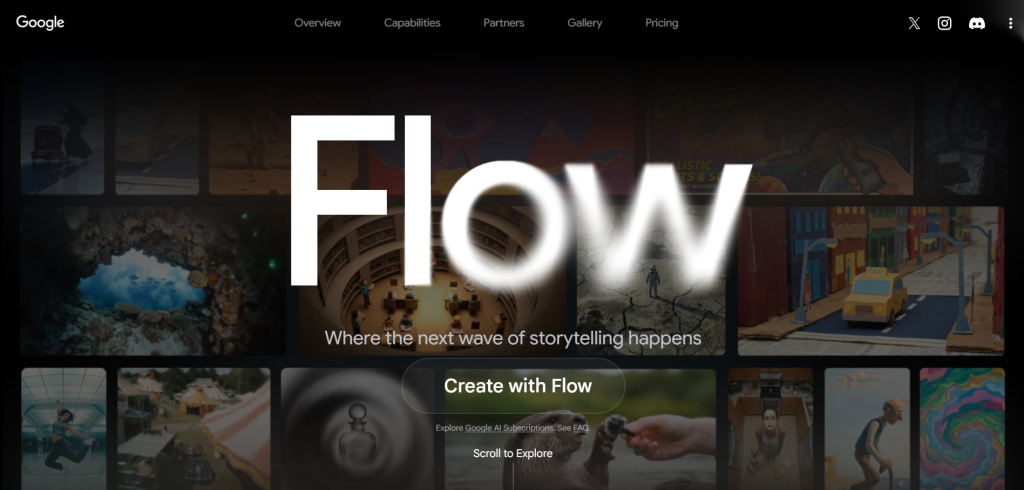
To create these visuals, we’re using a platform called FlowAI. It’s incredibly powerful but surprisingly simple once you get the hang of it. Whether you are using your smartphone or a laptop, the process remains the same.
- Accessing the Site: Open your Chrome browser and search for FlowAI.
- The Interface: Once you land on the website, you’ll see a clean interface. If it’s your first time there, look for the button that says “Create Flow AI”.
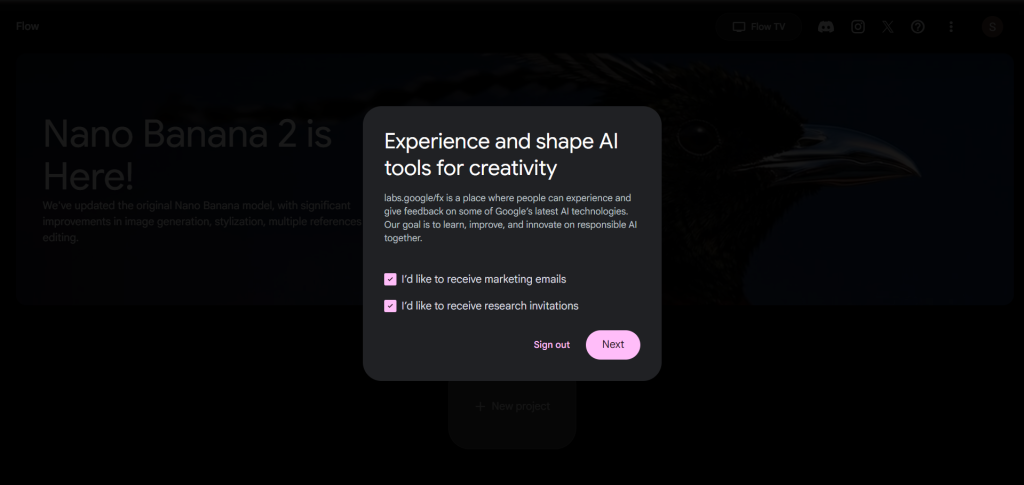
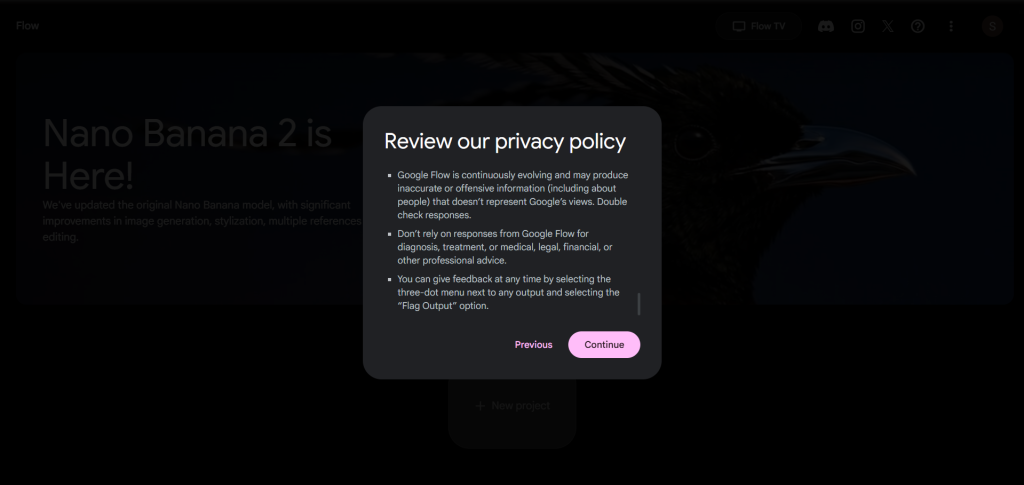
- The Setup: Follow the prompts, check the necessary boxes, and hit next. You’ll find yourself on the main dashboard in no time. This is where the magic happens.
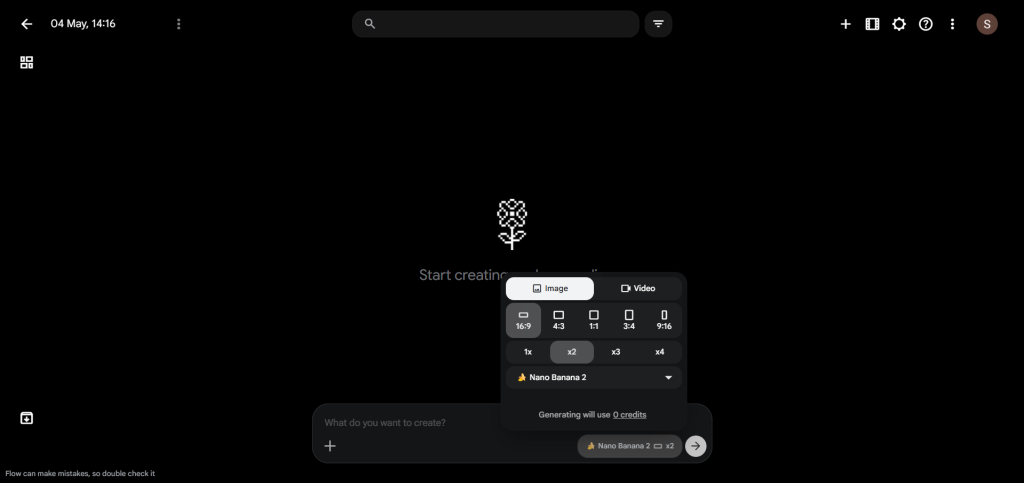
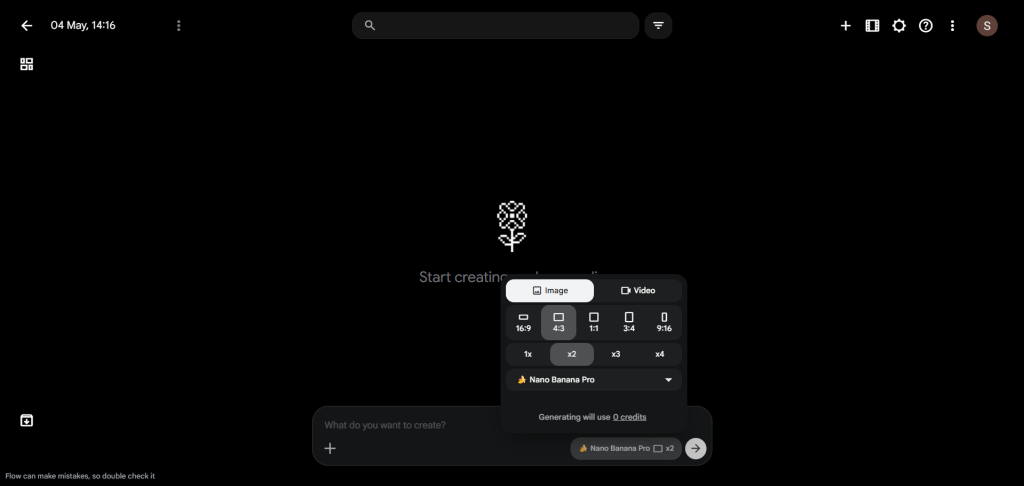
The “Secret Sauce” for High-Quality Output
Crafting the Perfect Prompt
Personalizing Your Poster
- The Pastor’s Name: Look for the placeholder text in the prompt. Simply delete “Pastor Name” and type in your Pastor’s name.
- Ministry Branding: You can add your ministry’s name in English or Telugu. It’s very flexible.
- The Scripture: This is the most important part. Replace the placeholder text with your chosen Bible promise or verse. Don’t forget to update the Chapter and Verse reference clearly!
- Adding Photos and Logos: To make it truly official, you need your logo. Click the “+” button at the bottom, hit “Upload,” and bring in your ministry’s original logo and a high-quality photo of your Pastor.
Exploring the Styles: Why Design Matters
Finalizing and Sharing
I really believe that using these modern tools is a great way to “dress up” the Gospel for the digital age. It shows that we care about the quality of the message we are putting out into the world.
If you found this guide helpful, I’d love for you to support the work I’m doing. Stay tuned for more tutorials on how to bridge technology and ministry.
Go ahead, copy those prompts, create something beautiful, and use it to glorify God’s name.
God Bless You All!
Daily Promise Card Posters Prompts
Prompt-1
Prompt is Locked
Click the button below and wait 30 seconds to reveal the prompt.
Prompt-2
Prompt is Locked
Click the button below and wait 30 seconds to reveal the prompt.
Prompt-3
Prompt is Locked
Click the button below and wait 30 seconds to reveal the prompt.