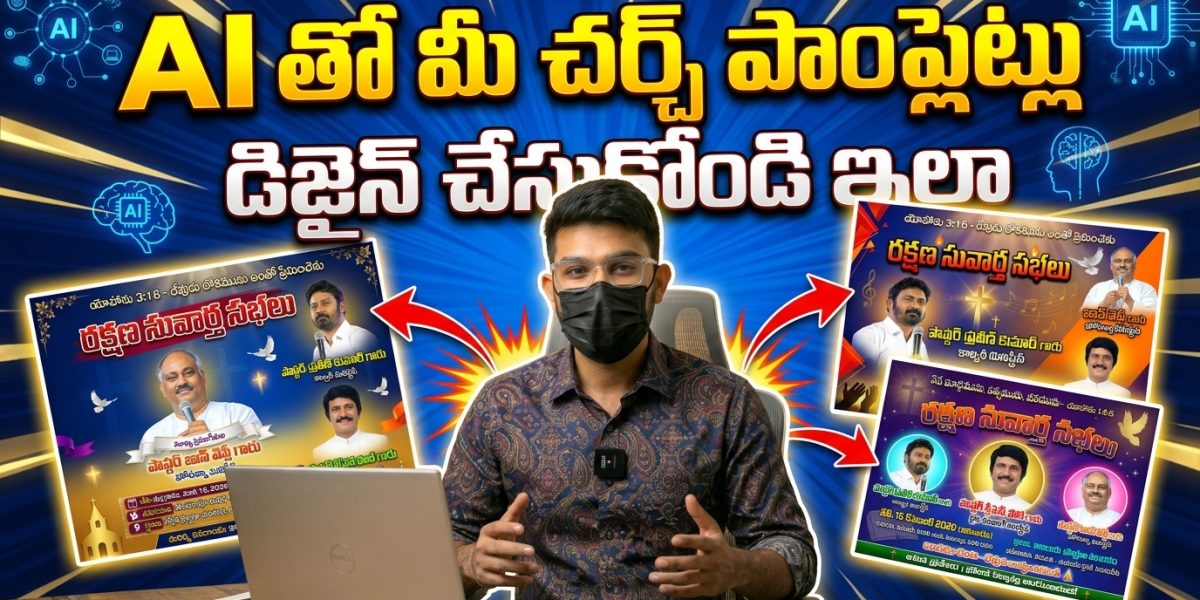
AI తో చర్చ్ పాంప్లెట్లు డిజైన్ చేయడం ఎలా | Telugu Poster Design Tutorial 2026

AI తో చర్చ్ పాంప్లెట్లు డిజైన్ చేయడం ఎలా | Telugu Poster Design Tutorial 2026
Advertisement

Praise the Lord, everyone! Welcome back to the blog. If you’ve ever been tasked with organizing a church meeting, a youth conference, or a special gospel event, you know the struggle is real when it comes to the “Poster.”

Usually, you have two choices: spend thousands of rupees on a professional graphic designer or settle for a basic, messy design made on a phone app that just doesn’t look “official.” But what if I told you that those days are over? Today, I’m going to show you how to use a “magic” tool called Flow AI to create stunning, high-end posters in minutes. Honestly, the results look so professional that people will think you hired a high-end agency.

Let’s dive into the step-by-step process of how we can use Artificial Intelligence to serve our ministry’s design needs.
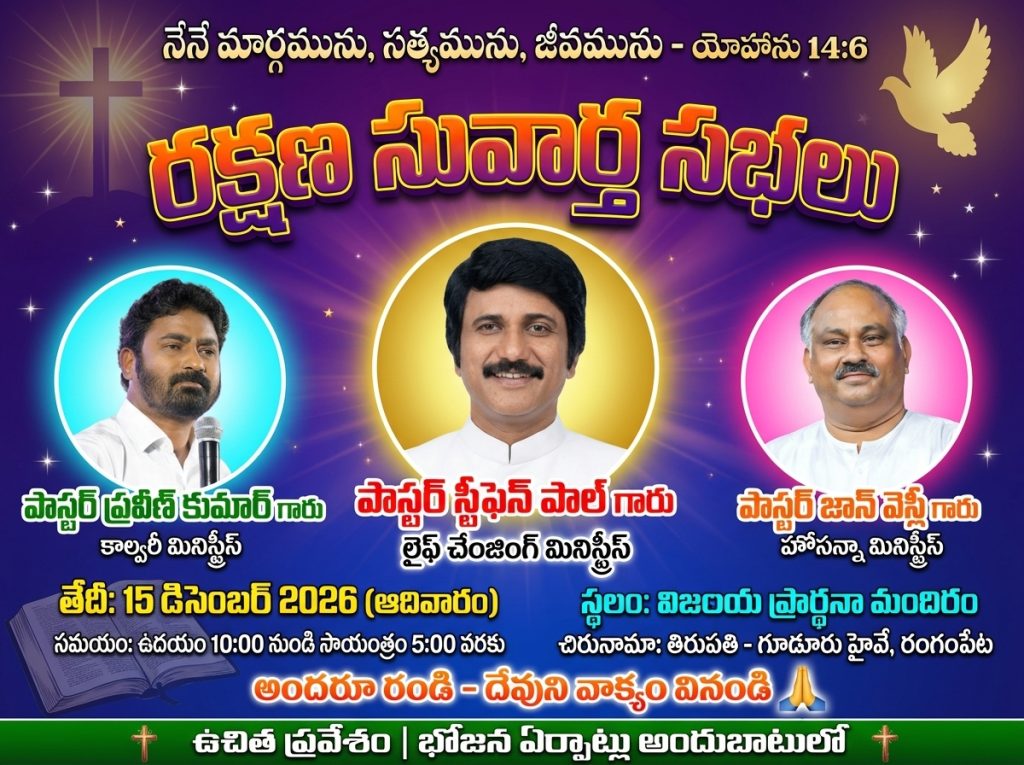
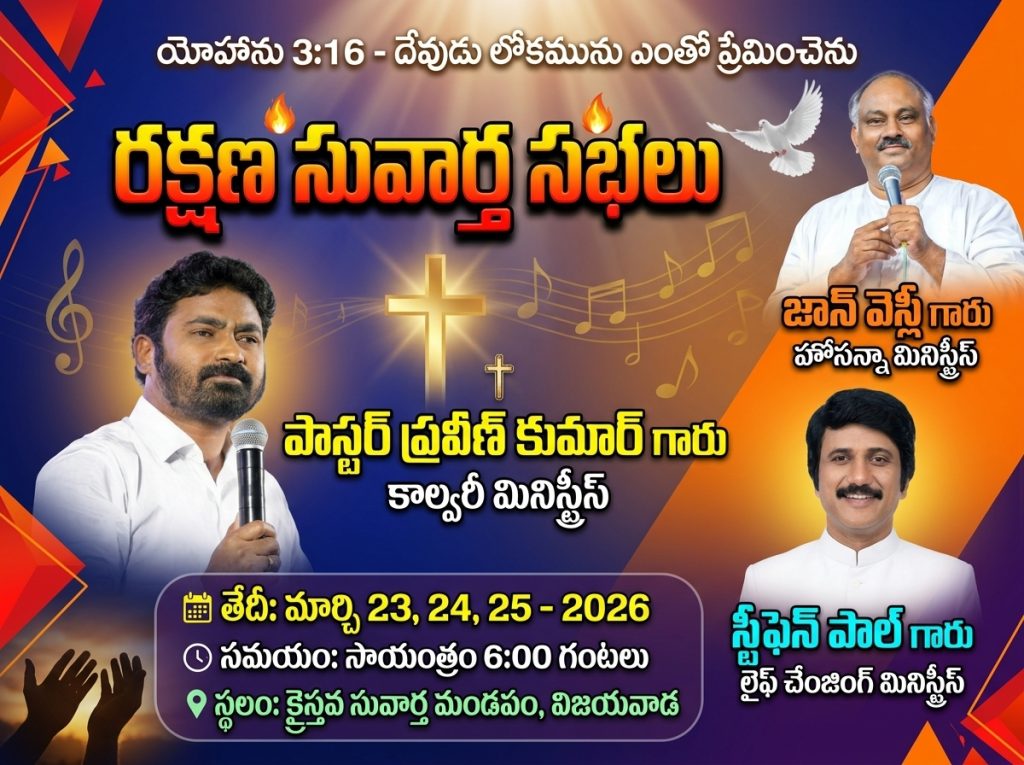
Watch Full Video On Youtube

Why Flow AI is a Game-Changer

“In the world of AI, things are moving fast. You no longer need to master Photoshop or CorelDraw to get a high-quality output. Flow AI allows you to simply “talk” to the computer (using prompts) and tell it exactly what you want. Whether it’s a powerful Bible verse, a specific color theme, or photos of your guest speakers, this tool handles it all.”

Step 1: Setting Up Your Workspace

“Before we start designing, we need to get the settings right. If the foundation is weak, the building won’t stand—the same applies to design!”
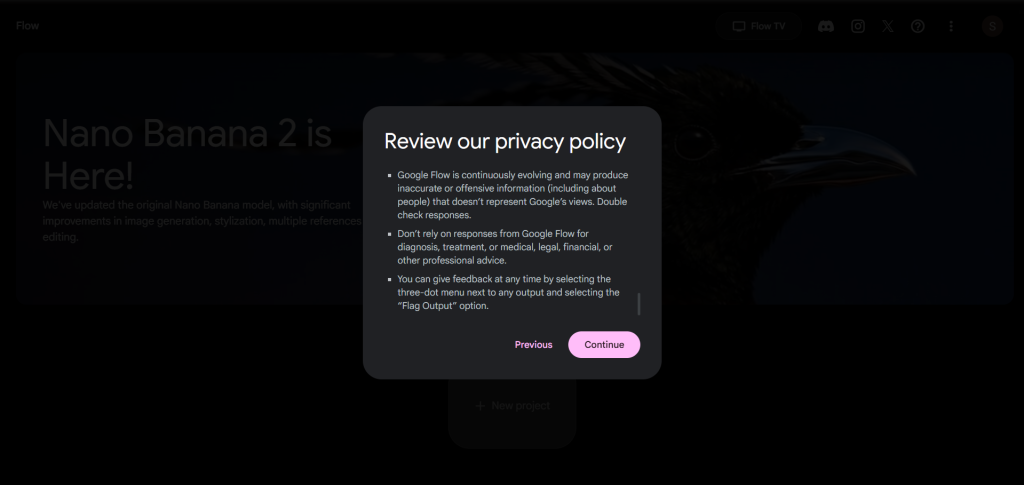
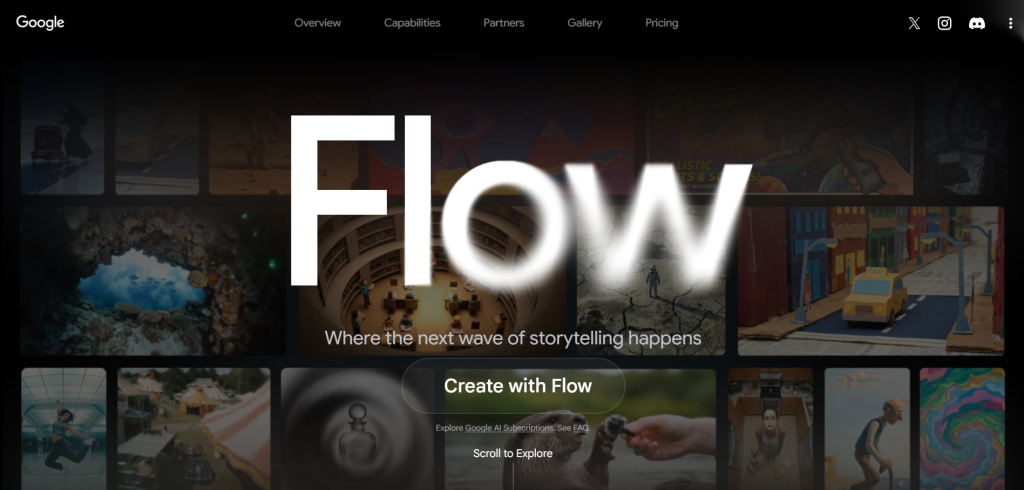
  1. Access the Tool: Open Chrome on your mobile or laptop and search for Flow AI. Click the first link and select “Create with Flow.” It’s usually a one-click login process.
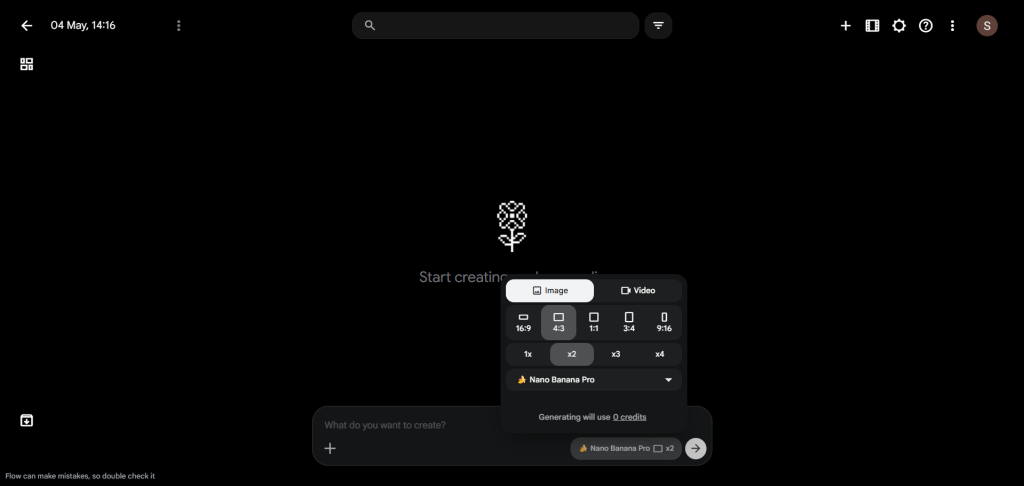
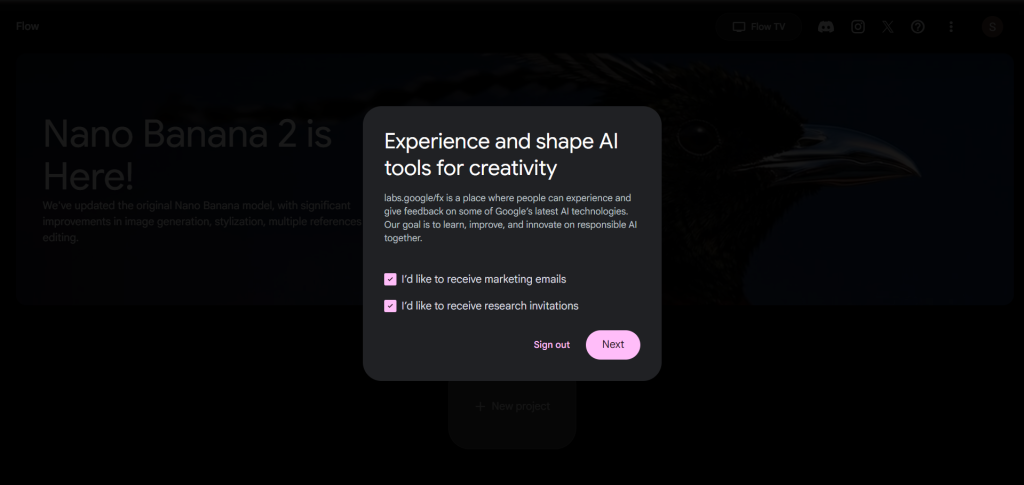
  2. The Secret Setting: This is where most people go wrong. In the prompt box, you’ll see a default setting called “Nano Banana 2.” For the absolute best, crisp, and professional results, switch this to Nano Banana Pro.
  3. Quality Control: Make sure to select the 2x Image option. We want our posters to look sharp even when shared on big WhatsApp groups or printed as pamphlets.
  4. The Aspect Ratio: Since most church posters are either shared as WhatsApp statuses or printed as flyers, I recommend a 3:4 ratio. It gives you enough vertical space for text and speaker images.
Step 2: Crafting the Perfect Prompt

“The “Prompt” is essentially the instructions you give the AI. I usually keep a template ready so I don’t have to start from scratch every time. Here is how you should structure it:”
  • The Verse: Start with a powerful scripture. For example, “The Word was made flesh…”
  • The Event Title: Is it a “Gospel Meeting,” a “Youth Fest,” or “Healing Prayers”? Be clear.
  • The Vibe: Use words like “Glow,” “Ethereal,” “Professional,” or “Modern.”

Step 3: Handling Speaker Images (The Most Important Part!)

“A poster feels “real” when people see the faces of the speakers. In Flow AI, this is incredibly simple. You’ll see a plus (+) button near the prompt box. This is where you upload your photos.”

For example, in my recent project:

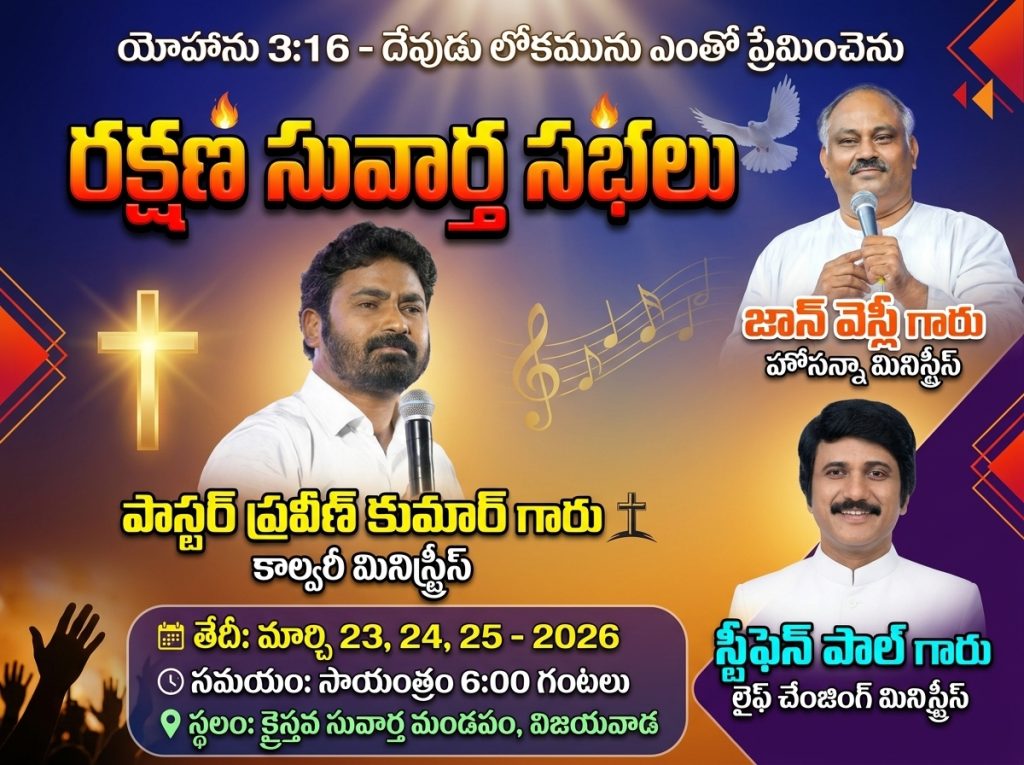
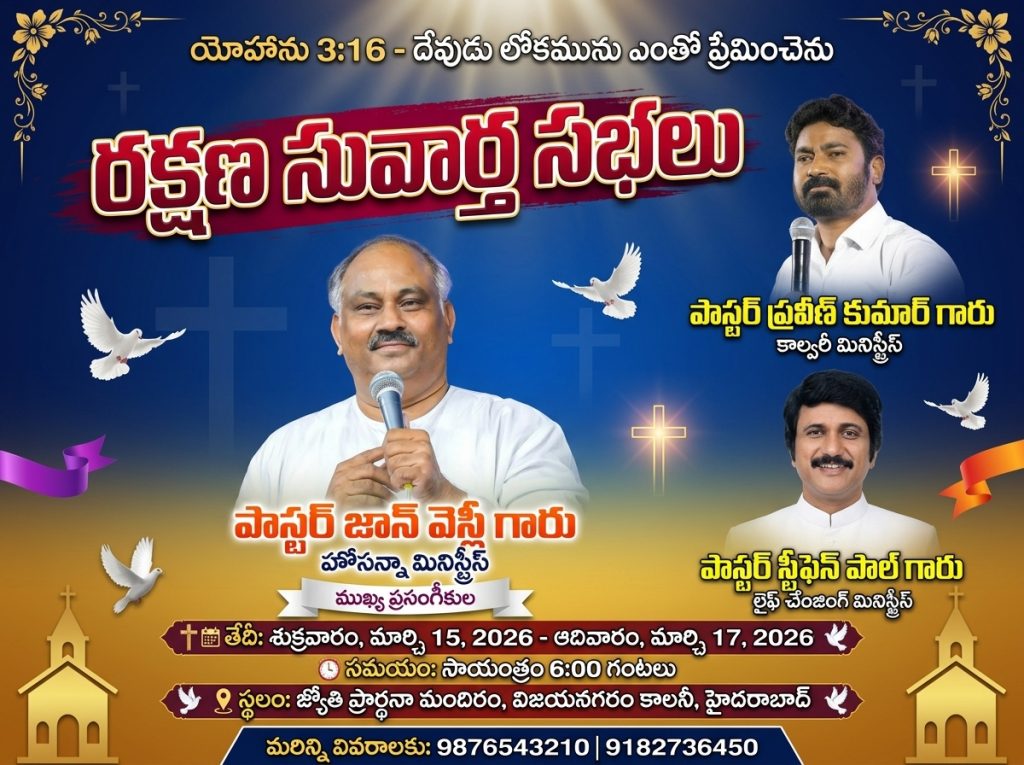
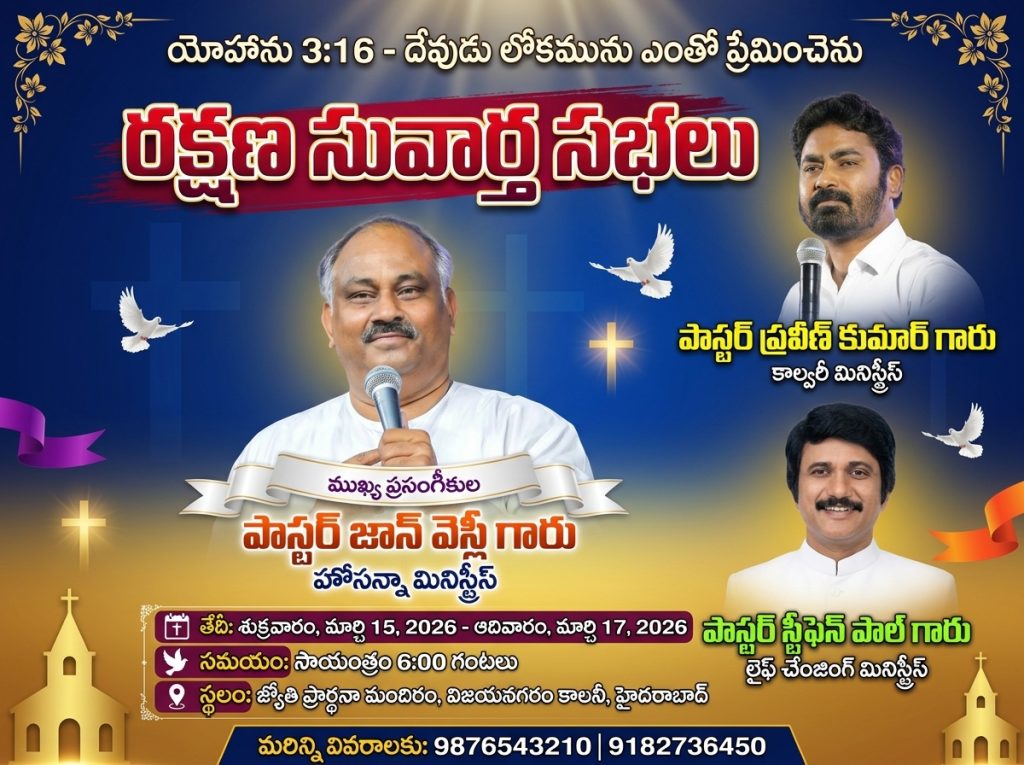
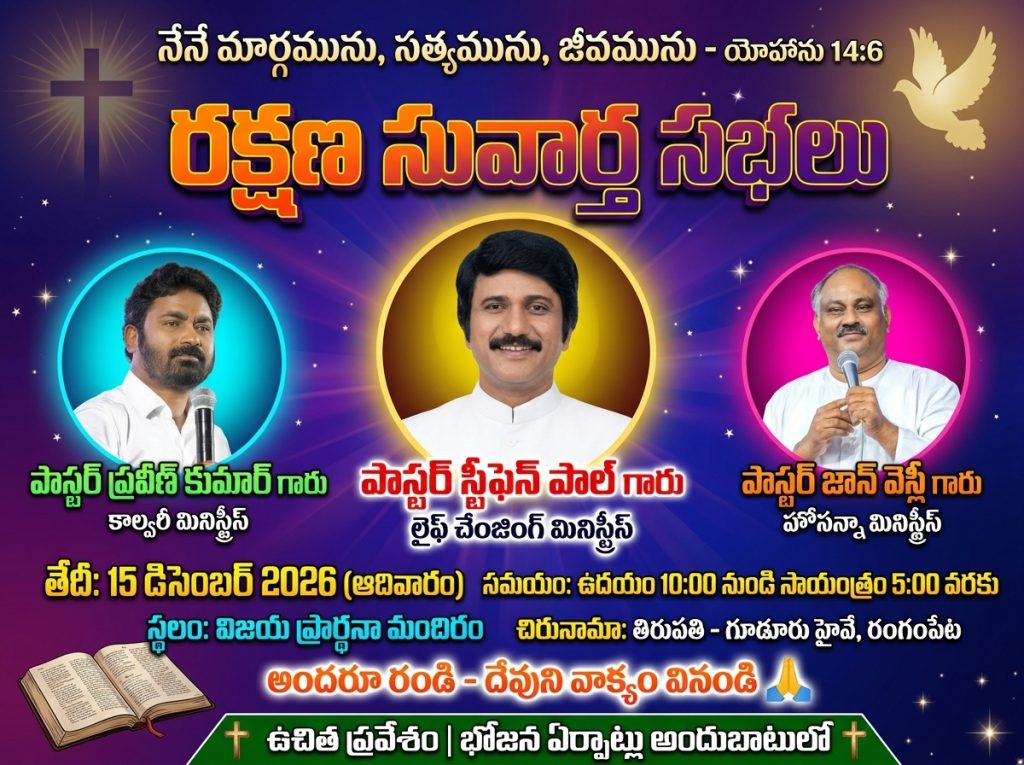
  • I uploaded John Wesley Garu as the first image.
  • Praveen Garu as the second.
  • Stephen Paul Garu as the third.
  • Stephen Paul Garu as the third.
“Pro-Tip: The order in which you upload and mention them in the prompt matters. If you want Stephen Paul Garu to be the main focus in the center, you need to specify that in your text. The AI is smart, but it needs your direction!”

Step 4: Refining the Layout

“Once you’ve put in your text and images, don’t forget the “boring but essential” details:”
  • Date and Time: Make sure these are bold and legible.
  • Location: Add the church address or the meeting hall name.
  • Contact Info: Always include a phone number for people to call for directions.
“If you decide you don’t want a certain line of text, just delete it from the prompt and hit generate again. It’s that flexible.”

The Final Result: Professionalism at Your Fingertips

“Once you click that “Generate” arrow, give it about 60 seconds. When the image pops up, you’ll notice the lighting on the speakers’ faces, the way the Bible verses blend into the background, and the professional font styles. It looks exactly like the work of a designer who would charge ₹2,000 to ₹5,000 per poster.”

Why You Should Do This Yourself

“Aside from saving money, doing this yourself gives you creative control. You don’t have to wait two days for a designer to send you a draft, only to find out they misspelled the Pastor’s name. You can make changes instantly.”

What’s Coming Next?

“This is just the tip of the iceberg. In my next post, I’m going to show you a specific “secret trick” on how to perfectly integrate your specific Church Logo and Name into these AI designs so they look 100% customized. If you found this helpful, make sure to stay tuned to Holy Tech Studio. I’m here to help you use modern technology to spread the message further and more beautifully. God Bless You! What kind of design should we try next? Let me know in the comments!”

3 Church Meeting Posters (Prompts)

Prompt – 1

📝 AI Prompt AI Prompt
🔒

Prompt is Locked

Click the button below and wait 30 seconds to reveal the prompt.

Prompt – 2

📝 AI Prompt AI Prompt
🔒

Prompt is Locked

Click the button below and wait 30 seconds to reveal the prompt.
Prompt – 3

📝 AI Prompt AI Prompt
🔒

Prompt is Locked

Click the button below and wait 30 seconds to reveal the prompt.


Advertisement
Share this post:

7by7 studio

Daily AI prompts, design tips, and creative resources.

Advertisement
Advertisement

💬 Leave a Comment

Your email address will not be published. Required fields are marked *