Praise the Lord, everyone! Welcome back to the Holy Tech Studio blog.
We’ve all been there—it’s your best friend’s birthday, your sister’s special day, or perhaps your Church Pastor’s birthday is coming up. Usually, we just type out a quick “Happy Birthday” text on WhatsApp and call it a day. But let’s be honest: a simple text message doesn’t always capture the depth of our love and blessings.
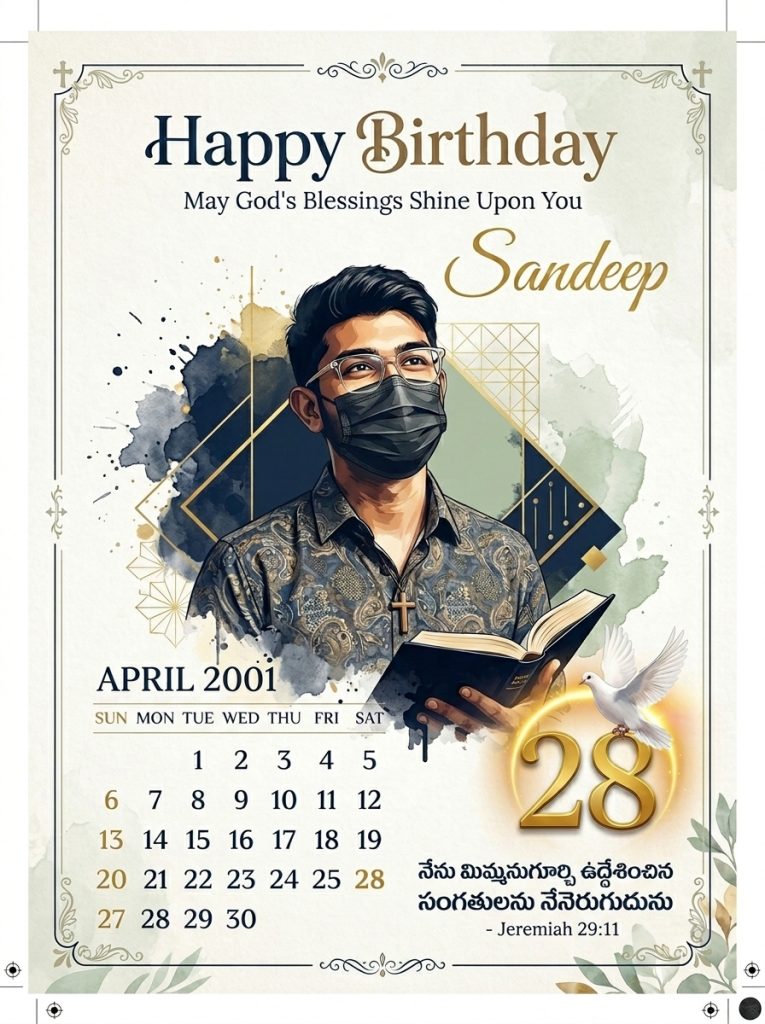
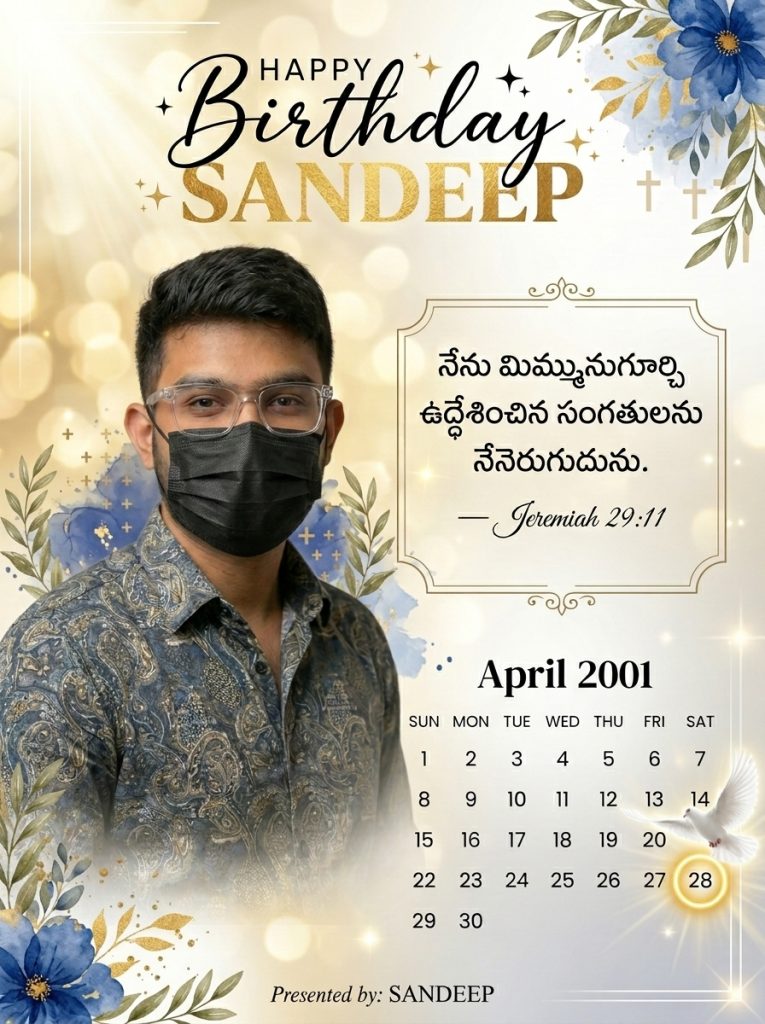
Imagine sending a custom-designed, professional Christian birthday image with beautiful Telugu text and a powerful Bible verse. The impression that makes is on a whole different level! It shows you put in the thought and the heart. Today, I’m going to walk you through exactly how to create these stunning, divine images yourself. Whether you want to post it as a WhatsApp status or print it as a gift for your Pastor, this guide has you covered.
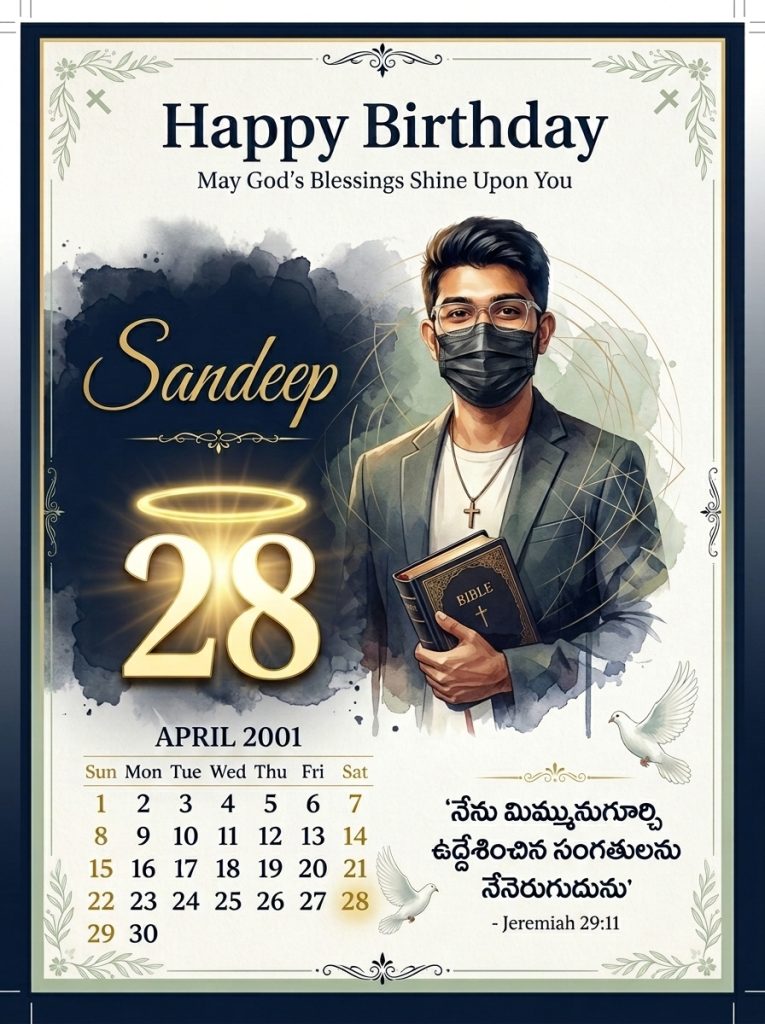
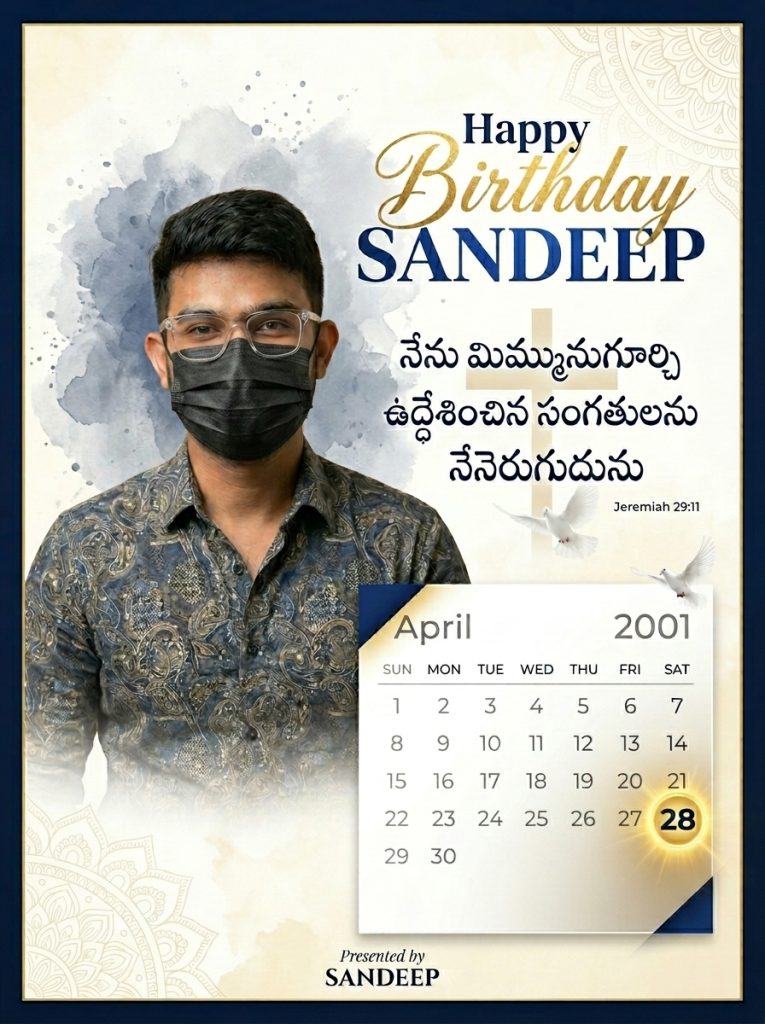
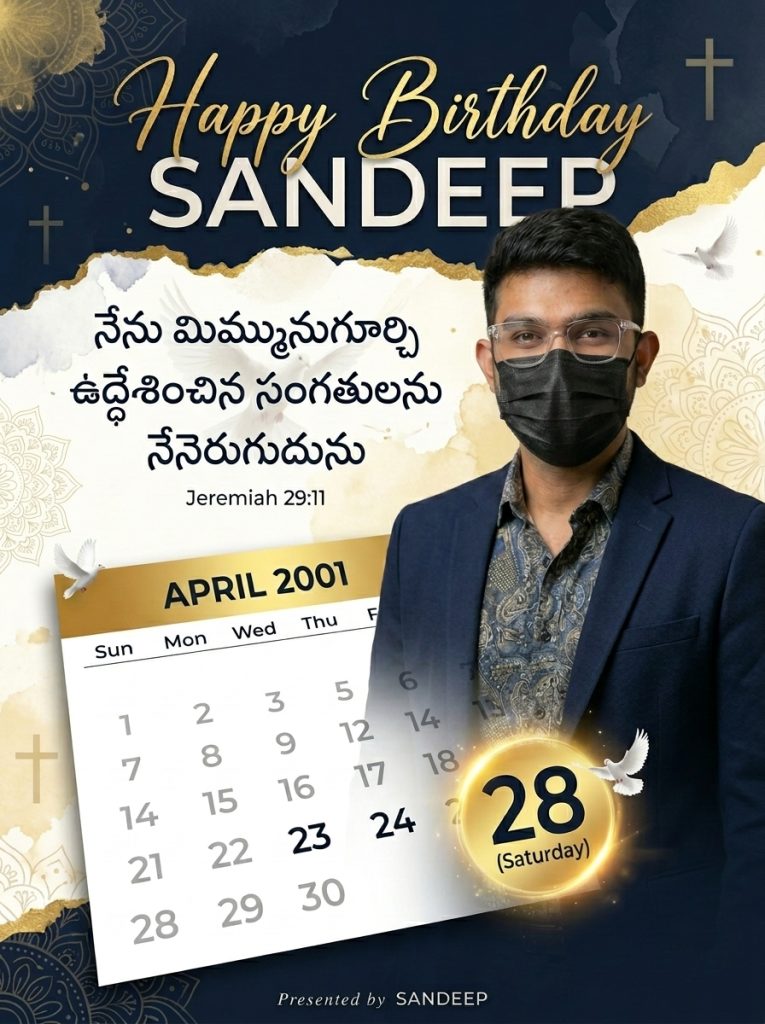
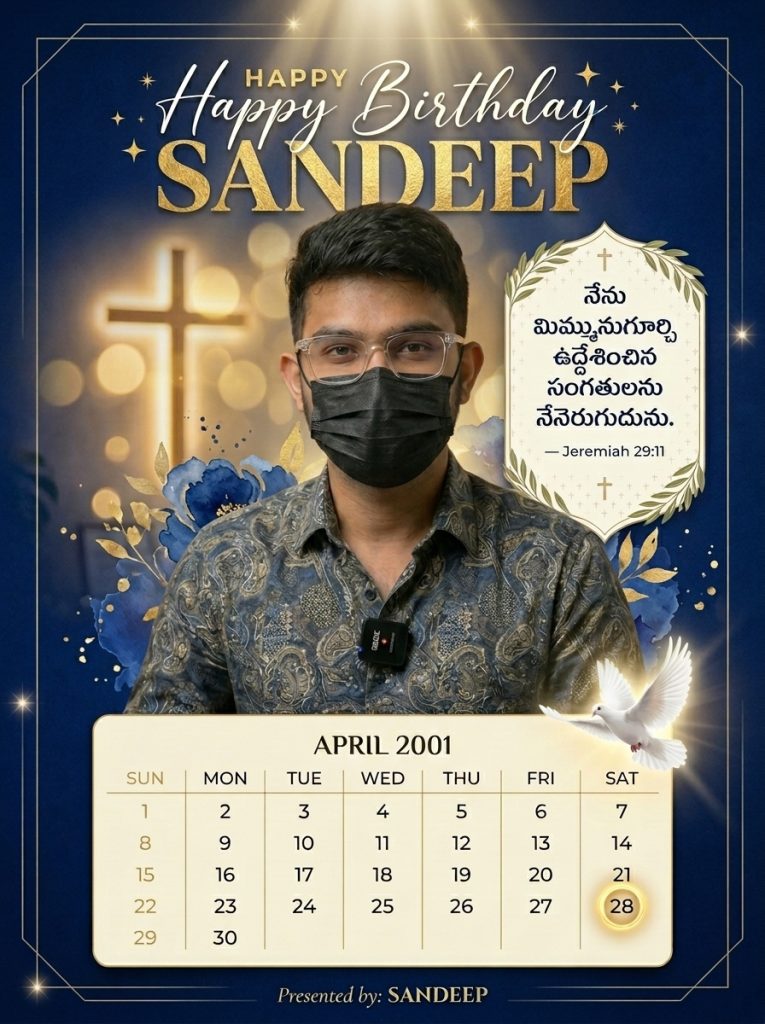
Watch Full Video On Youtube
Why Move Beyond Simple Text?
Step 1: Getting Started with the Right Tool
- Open your Browser: Fire up Chrome on your mobile or PC.
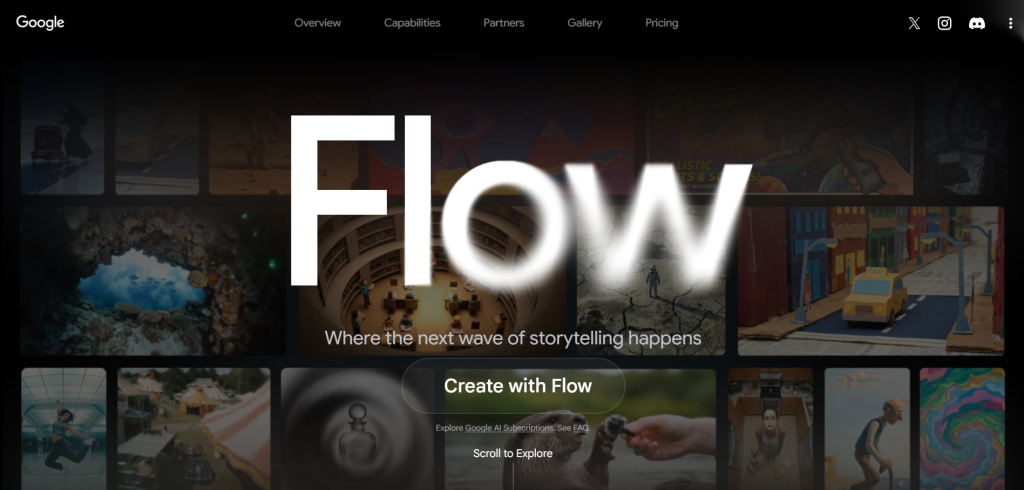
- Search for FlowAI: Type it into the search bar and click the very first link.
- Enter the Workspace: Once the site loads, look for the “Create with Flow” option.
- No-Hassle Login: The best part? It usually logs you in automatically or via a quick Google sync, so you don’t have to deal with annoying registration forms.
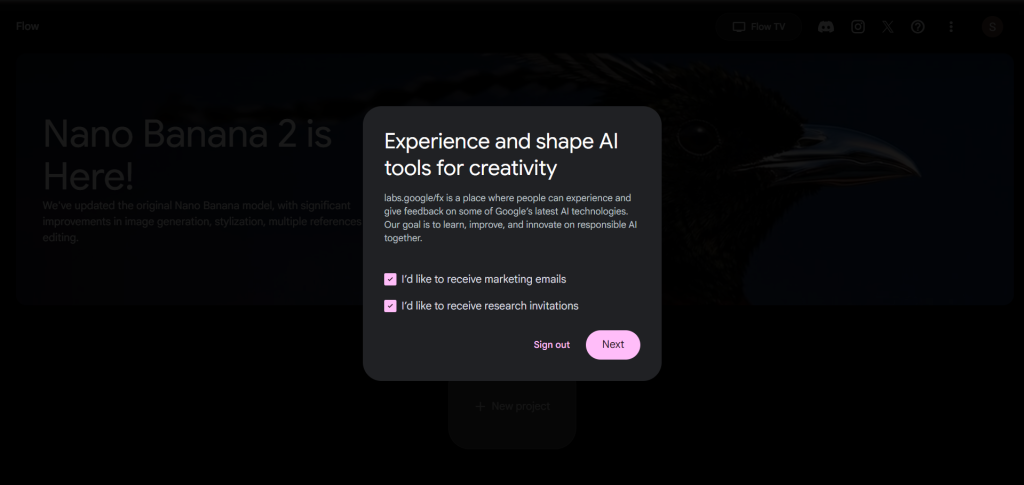
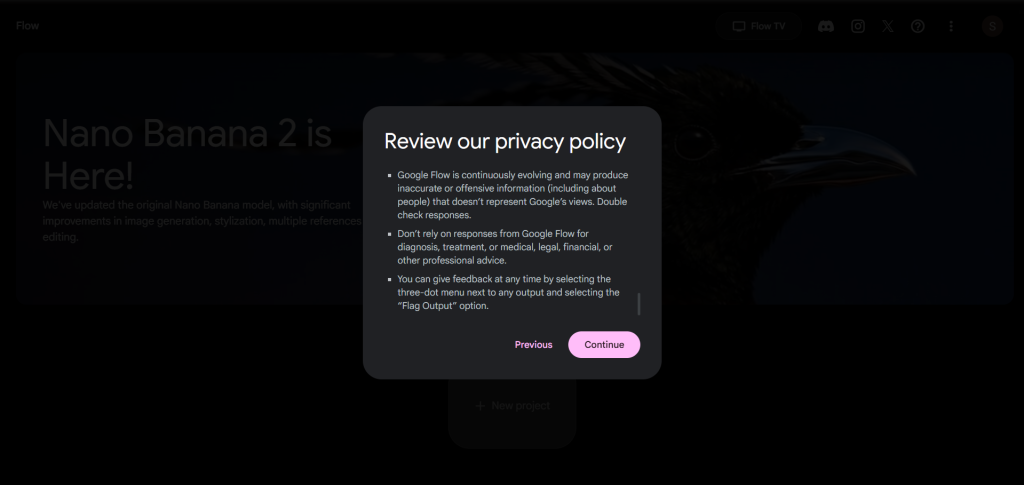
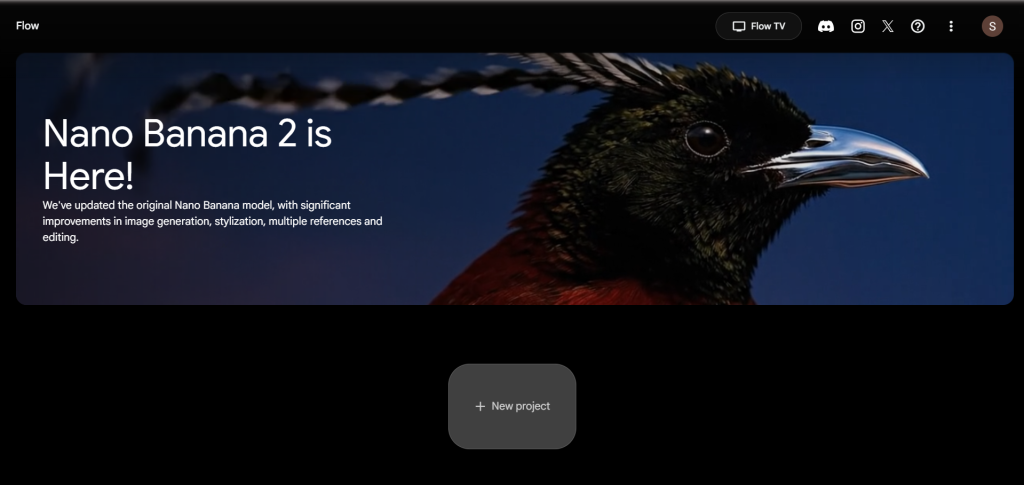
- The Interface: Accept the terms, scroll down, and hit “Continue.” You’ll be greeted by the main dashboard. Click “New Project” to start your creative journey.
Step 2: Setting the Stage (Upload & Settings)
Before we get into the “magic” of AI, we need to give the system something to work with.
- Import Your Photo: Click the (+) button at the bottom and select “Upload Image.” Choose a clear, high-quality photo of your friend, family member, or Pastor.
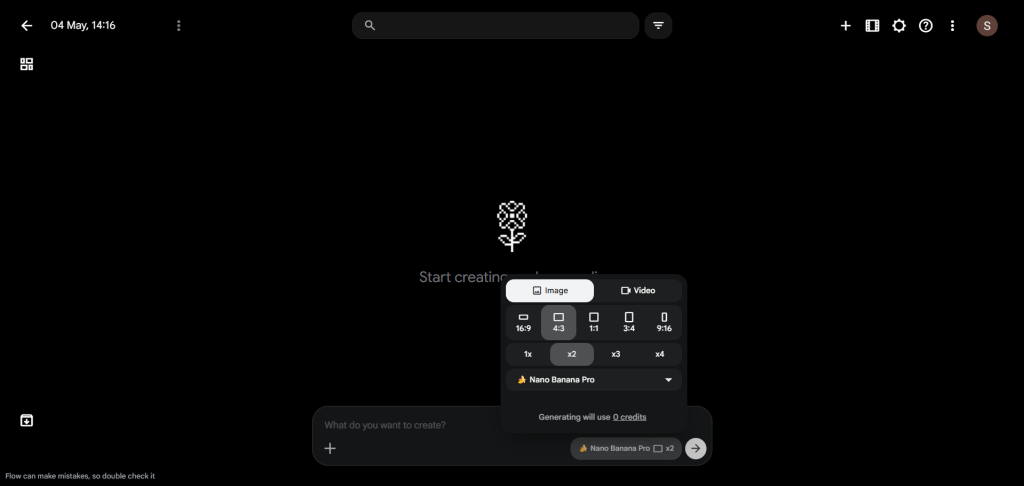
- The “Pro” Secret: In the prompt box, you’ll see a default setting called “Nano Banana 2.” If you want that ultra-sharp, professional finish, click it and switch to Nano Banana Pro. This is the secret sauce for those crisp details.
- Optimization: Set the “Images per Generation” to 2. This gives you two different creative takes on your prompt, so you can pick the one that looks most “heavenly.”
- Pick Your Ratio: If it’s for a WhatsApp Status, go for a vertical ratio. If it’s for a Facebook or Instagram post, a square ratio works best.
Step 3: Crafting the Perfect Prompt (The Customization)
Personalizing the Data
When you look at the prompt box, don’t be intimidated! Just look for these specific sections to edit:
- The Name: Change “Sandeep” (that’s me!) to the name of the birthday person.
- The Date & Day: This is a small detail that makes a huge impact. For example, if the birthday is April 28, 2001, and it falls on a Saturday, make sure to update those numbers.
- Pro Tip: Remember to check the month! If it’s February, set the days to 28/29. If it’s May, set it to 31.
- The Bible Verse: This is the most important part. Choose a verse that resonates with the person. For a Pastor, you might choose something about leadership and grace; for a friend, perhaps a verse about God’s protection. Adding this in Telugu script within the prompt creates a truly “Divine Look.”
- The “Presented By” Section: At the very bottom, change my name to yours. This adds that personal “Designed by [Your Name]” touch.
Step 4: Exploring Different Styles
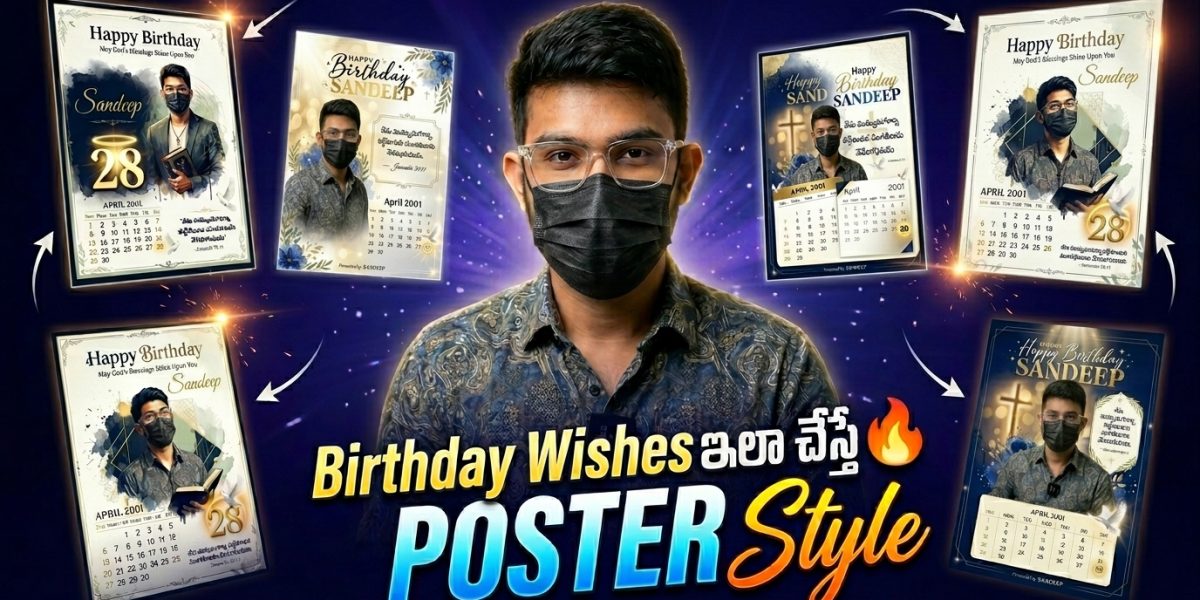
Through FlowAI, we can generate various vibes. Here are three I personally love:
1. The Classy Frame Style
This style places the photo inside a beautiful, elegant frame with soft lighting. It looks like a physical portrait you’d see hanging in a sophisticated home. It’s perfect for elders and family members.
2. The Creative “Pigeon” Design
If you want something more symbolic, this design uses elements like white pigeons (symbolizing the Holy Spirit) and artistic flourishes around the date. The “28” or whatever the birth date is, gets rendered in a 3D, stylish font that looks incredibly modern yet spiritual.
3. The Pastoral Gift Style
This is a cleaner, more “neat” alignment. The Bible verse is the hero here, perfectly aligned with the calendar element. It’s respectful, professional, and looks amazing when shared in church groups.
Final Touches and Export
Once you’ve edited your prompt, hit that Arrow (Generate) button. Wait a few seconds, and watch the AI bring your vision to life! If you love the result, download it in high resolution.
If the first attempt isn’t perfect, don’t worry. AI is like a conversation—sometimes you just need to tweak a word or two in the prompt and try again.
A Heartfelt Request
I hope this tutorial helps you bring a smile to your loved ones’ faces and helps spread God’s word in a beautiful, modern way.
Creating these tutorials takes a lot of time and research. If you found this helpful, please consider subscribing to our YouTube channel, Holy Tech Studio. Your support means the world to me.
Also, for those who are financially stable and want to go the extra mile, you can join our Channel Membership. We don’t sell anything here—everything we teach is free. Think of a membership as just buying me a cup of coffee once a week to keep the “tech engine” running! It gives me a huge boost to keep creating content for our community.
Go ahead, create something beautiful today! Let’s use technology to spread the Gospel to the ends of the earth.
May God bless you all abundantly!
Telugu Christian Birthday Posters
Prompt-1
Prompt is Locked
Click the button below and wait 30 seconds to reveal the prompt.
Prompt-2
Prompt is Locked
Click the button below and wait 30 seconds to reveal the prompt.
Prompt-3
Prompt is Locked
Click the button below and wait 30 seconds to reveal the prompt.